Guide
How to learn a guitar solo by ear
A solo is a string of short phrases. Learn it one phrase at a time, keep track of which phrases you can already play, and spend your practice on the ones you can't.
Short answer
- Load the recording into a player that can loop and slow down without changing the pitch.
- Mark where each phrase of the solo starts.
- Work out one phrase at a time: sing it, find its first note, then the rest, slowly.
- Mark each phrase as can't play yet, learning or confident, and loop only the ones you can't play yet.
- Raise the speed in small steps, then join the phrases until the whole solo plays through.
Before you start
You need the recording, your guitar in tune, and about 20 minutes for the first phrases. Tune to the recording, not only to a tuner: older records are sometimes a little sharp or flat. Play a low note along with the song; if it sounds sour against every chord, the recording is off concert pitch and you tune your guitar to it.
Find the key first. Play single notes on the low E string while the song runs until one sounds like home, the note the song comes back to. Most rock and blues solos are built on the minor pentatonic or blues scale in that key, so its shape on the neck is where you look first.
Step 1: Load the recording
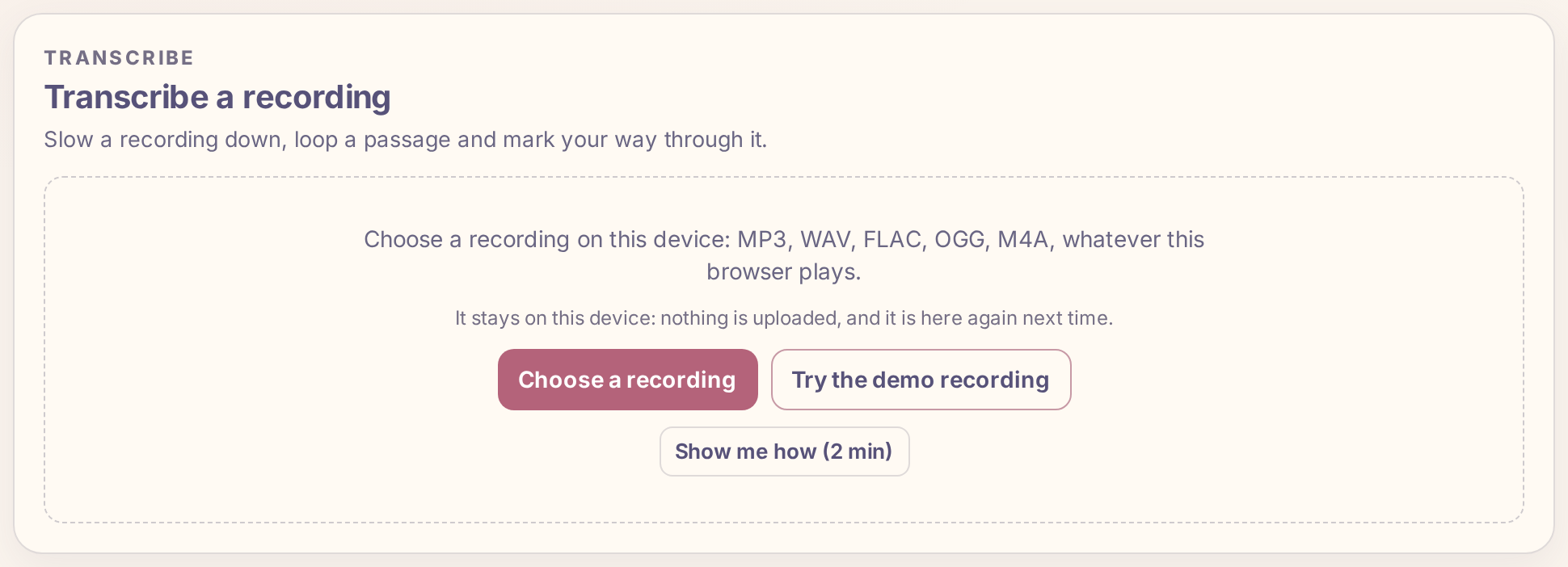
In Practice Lab, open Transcribe and press Choose a recording. It opens a file from your device: MP3, WAV, FLAC, OGG, M4A or any other format your browser plays. The file stays on your device; nothing is uploaded, and the recording is in your list the next time you open the app.
Step 2: Mark where each phrase starts
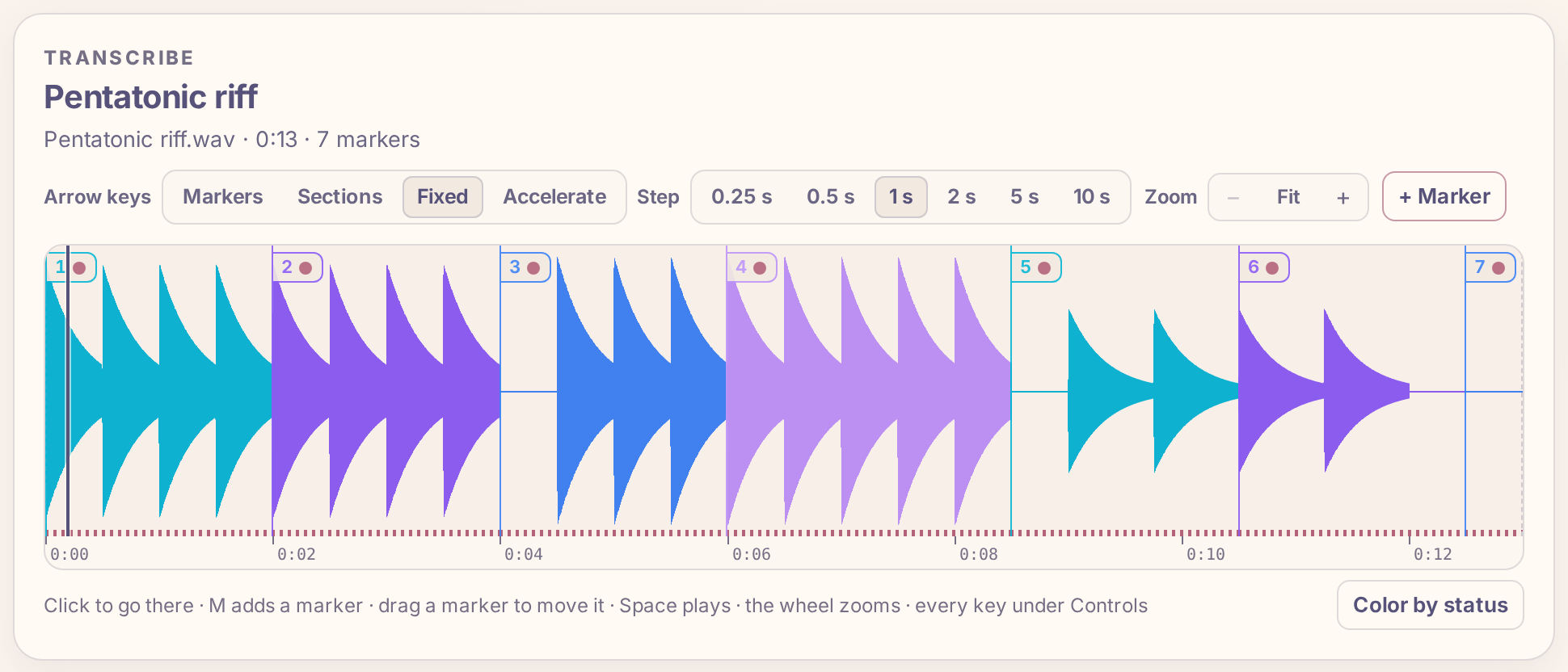
Listen to the whole solo once without the guitar. Then play it again and press M at the start of each phrase: where the player breathes, after a held note or a short rest. A phrase is usually one or two bars, a few seconds. Do not aim for exact places yet; drag a marker to move it later.
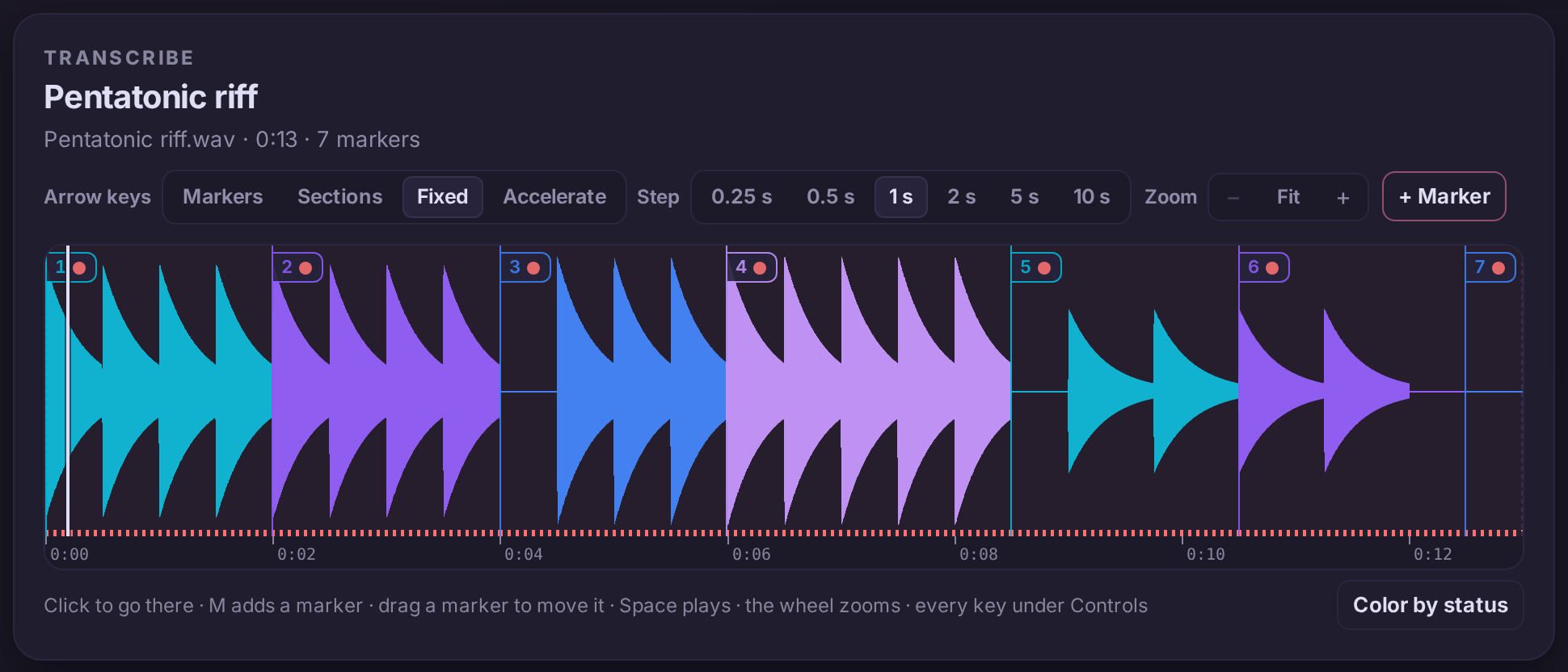
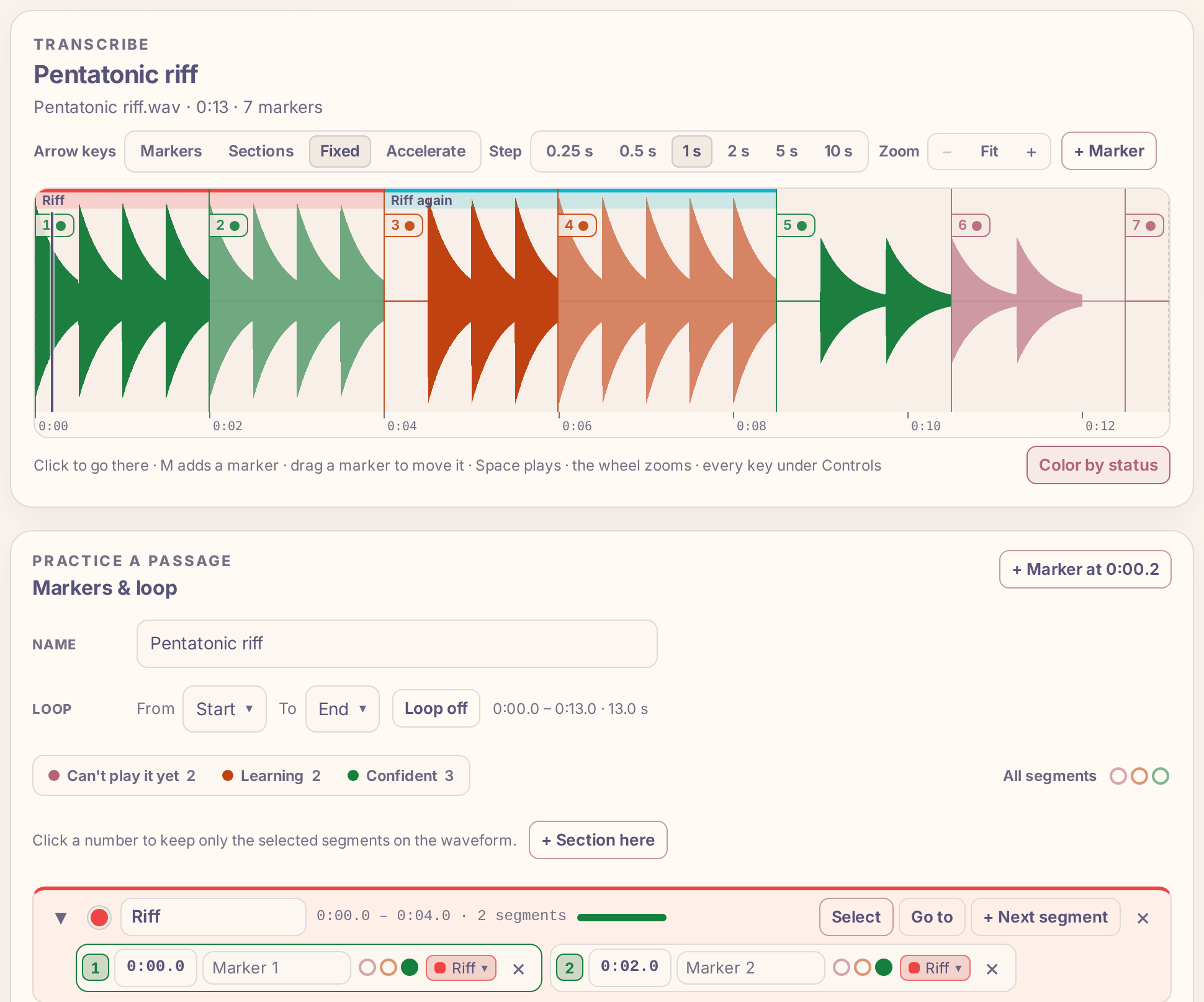
The waveform helps: it is tall where the recording is loud, so a picked note shows as a spike and a rest as a flat line. Zoom in with the mouse wheel around a spot to place a marker right on the attack. Each stretch from one marker to the next is a segment: one phrase to learn.
Step 3: Work out one phrase at a time
Put the playhead in the first phrase and press L: the loop plays that segment over and over, from its marker to the next. Lower the speed with ↓ until you hear every note clearly; 50 to 70 % is common for a fast line. The pitch stays the same at any speed, so what you hear is what you play.
- Sing it. Hum the phrase along with the loop until you can sing it without the recording. If you can't sing it, you can't yet hear it well enough to find it.
- Find the first note. Pause, sing the first note, and look for it on the neck, starting with the scale you found. Check it against the recording.
- Find the rest by direction. Does the next note go up or down, by a step or a jump? Most phrases move by steps within one position; jumps are often to a chord tone.
- Listen for the technique. A note that slides, bends up to its pitch or is hammered on sounds smooth; a picked note has a sharp attack. Slow speeds make bends easy to hear.
- Write it down. A few lines of tab on paper are enough; you will forget a phrase you only played.
Step 4: Mark how well you can play each phrase
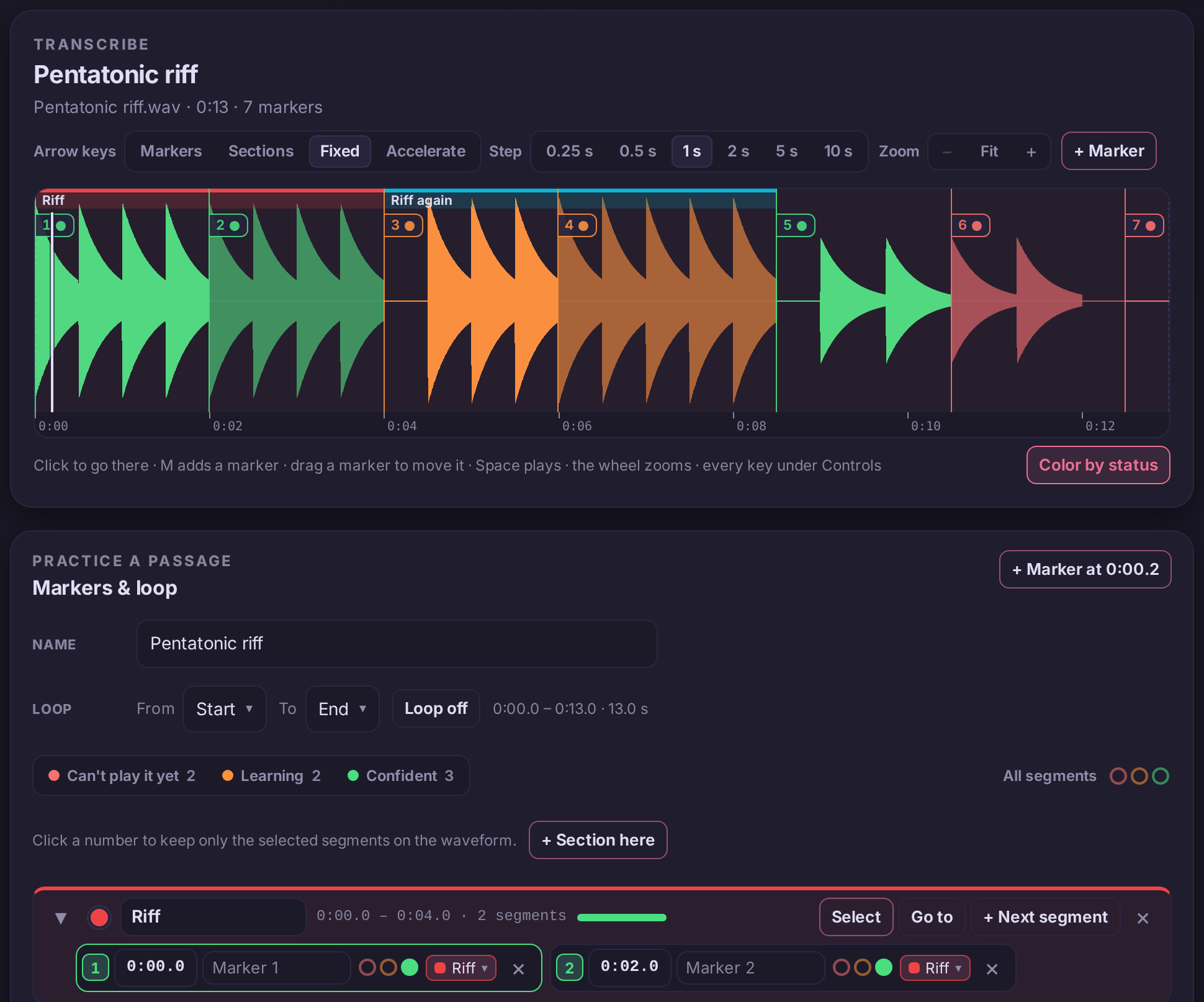
Every segment has a status, set with three dots in the marker list: red for "Can't play it yet", orange for "Learning", green for "Confident". Every segment starts red, so each one you turn green is visible progress. The waveform shows the status as a line under each segment, and Color by status fills each segment in its status color instead, so the whole solo reads at a glance.
Step 5: Group the phrases into sections
A long solo has parts: an opening, a faster middle run, an ending. Click the numbers of the segments that belong together and press + Section of 2 selected, then name the section. A section is a colored band along the top of the waveform, and its row in the list shows a health bar: how much of its time is green, orange and red. [ and ] jump from section to section; with the loop on, they loop that section.
Step 6: Practice only what you can't play yet
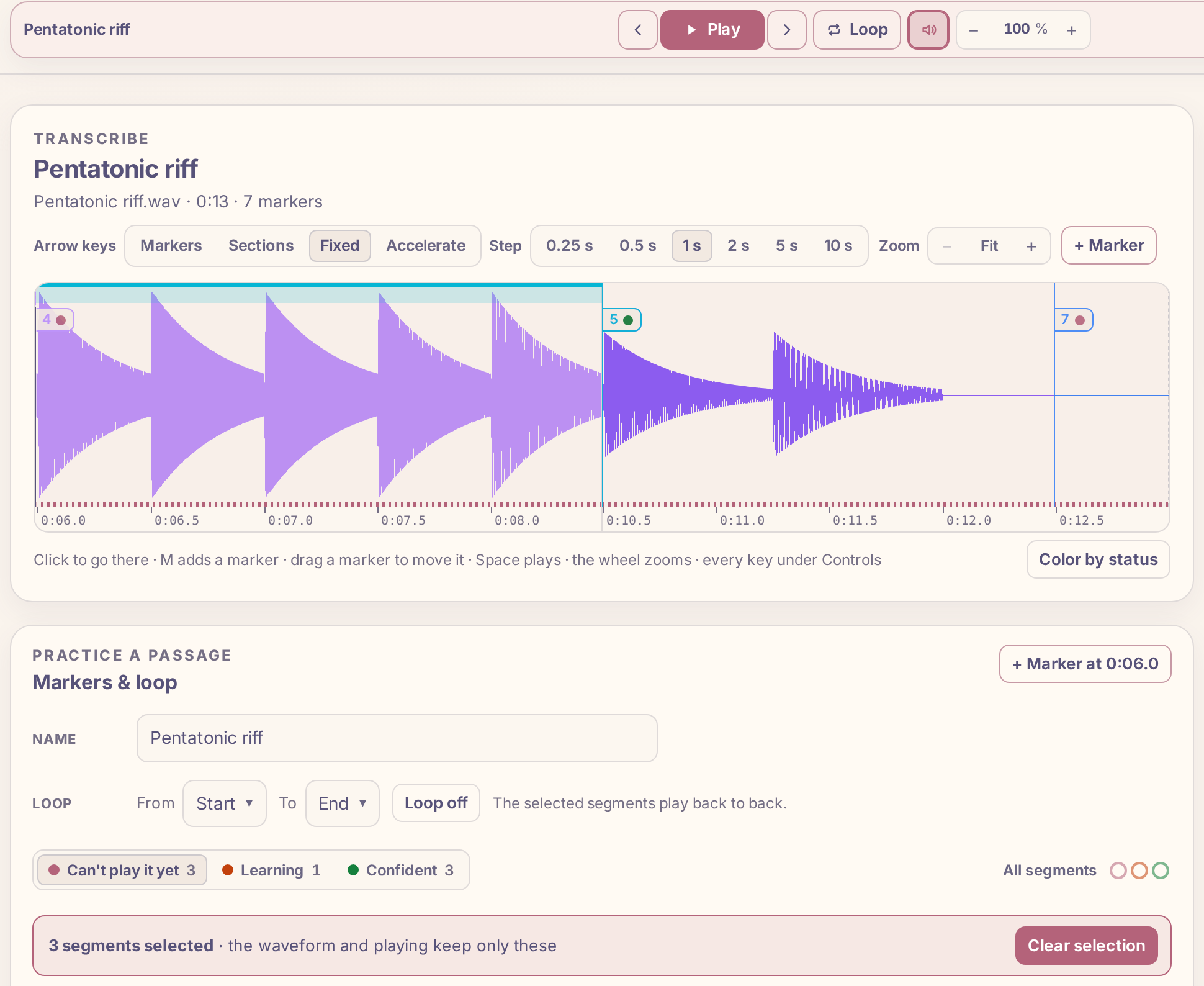
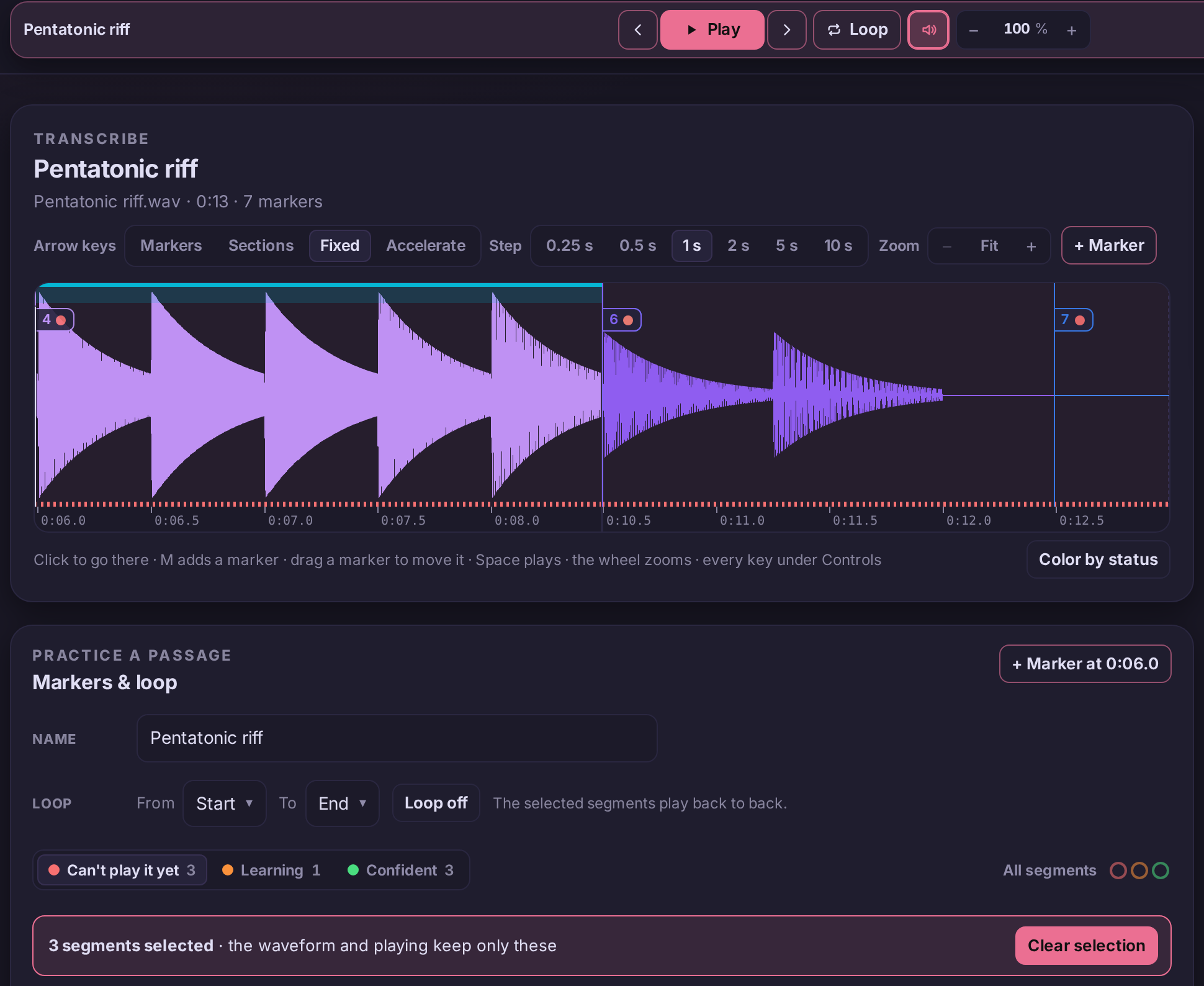
Playing a whole solo from the top spends most of the time on the parts you already know. Instead, pick Can't play it yet in the legend above the marker list and press Select shown. The waveform keeps only those segments, end to end, and playing plays only them, one after the other; with the loop on it repeats them. Press Clear selection (or Esc) to see the whole recording again.
Step 7: Bring each phrase up to speed
Start at the speed where you play the phrase cleanly three times in a row, then raise it by 5 % and do it again. If you miss twice, go back one step. The speed runs from 10 to 150 %: press ↑ and ↓, use − and + beside the speed, or drag the number up or down. Each recording keeps its own speed, markers and loop.
With Plus, the Tempo trainer does the raising for you: it plays the loop from a start speed and raises it by a step after each completed loop until it reaches the target.
Step 8: Join the phrases
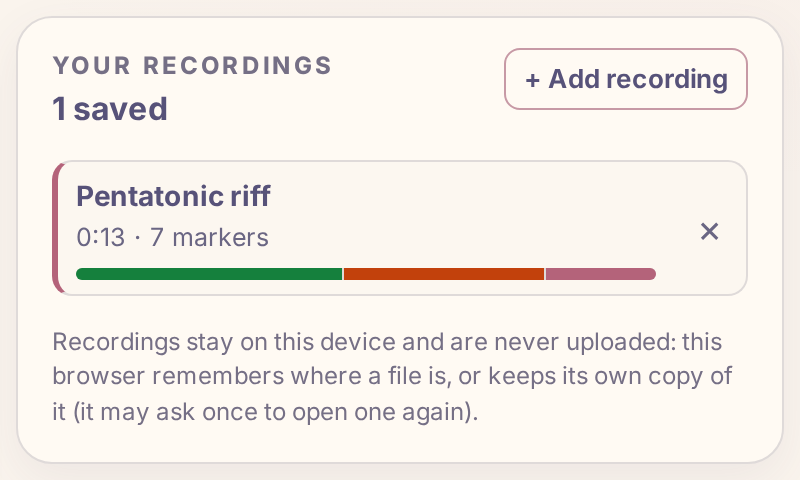
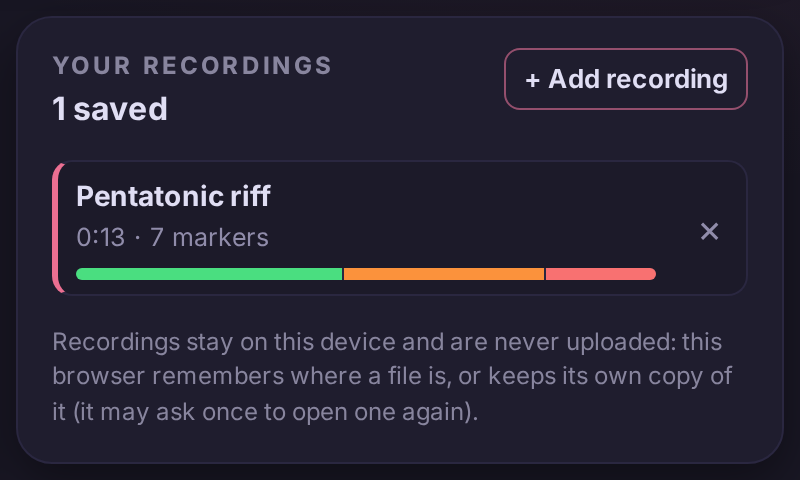
A phrase you can play alone often falls apart where it meets the next one. While looping, press Shift + → to add the next segment to the loop, and play the two as one. Keep adding until a whole section plays through, then the whole solo. As phrases turn green, the health bar on the recording in your list fills with green.
What to practice next
- A minor pentatonic on the guitar the scale most solos start from
- A blues scale on the guitar the pentatonic with the blue note
- A Dorian on the guitar for solos over minor chords with a bright sixth
- How to slow down a song without changing the pitch
- How to loop part of a song until you can play it