Guide
How to slow down a song without changing the pitch
Playing a recording slower usually makes it sound lower, so you can't play along in tune. A player that keeps the pitch lets you hear every note at the speed you can play, in the key of the record.
Short answer
- Open the song in a player that keeps the pitch when it changes the speed.
- Set the speed to 70–75 % to start; go lower only to hear which notes are played.
- Loop the passage you are learning instead of the whole song.
- Raise the speed by 5 % each time you play the passage cleanly three times in a row.
- Finish at 100 %, with the recording as it is.
Why a slowed-down song sounds lower
A recording is a stream of samples. Play them back more slowly and every sound wave is stretched out, so it vibrates fewer times a second: the pitch drops. At half speed everything sounds an octave lower; at 75 % it is about five semitones lower, which puts the song in a different key from your guitar.
Keeping the pitch takes time-stretching: the player cuts the audio into very short slices and repeats or overlaps them to fill the extra time, while each slice keeps its own pitch. Web browsers can do this themselves when they play audio at another speed, so a page can slow a song down with the pitch kept and without installing anything.
Step 1: Open the song in your browser
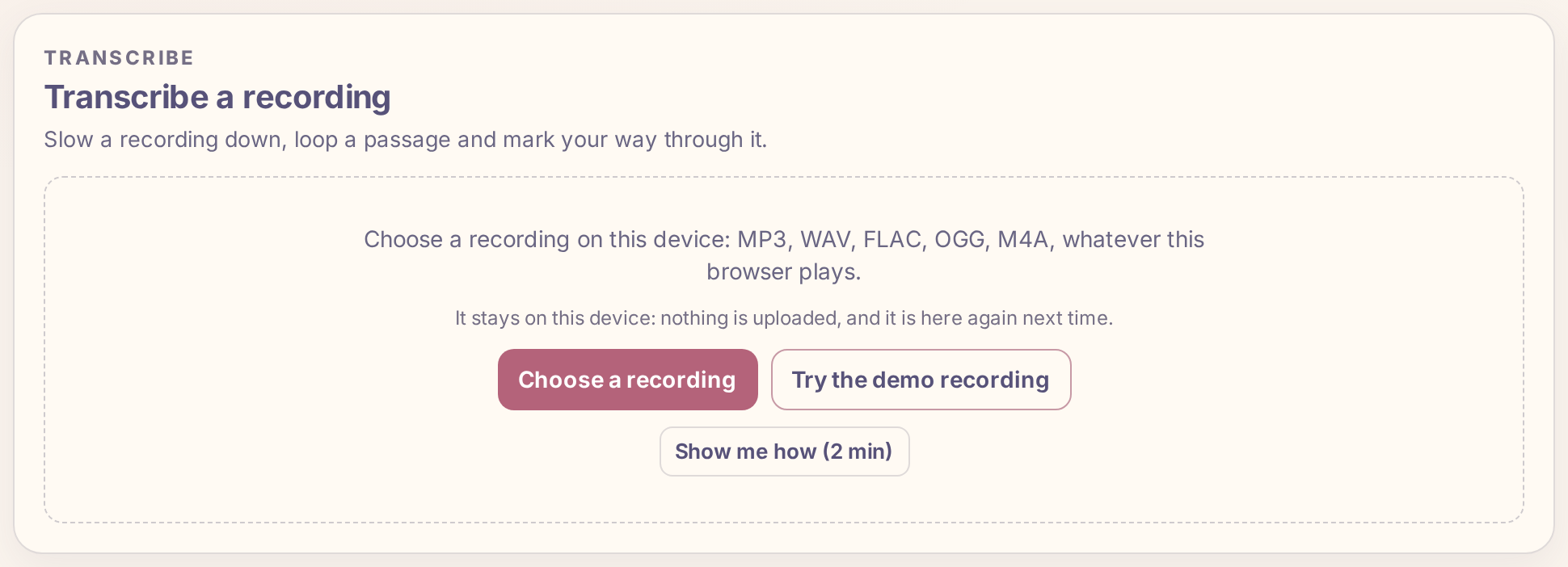
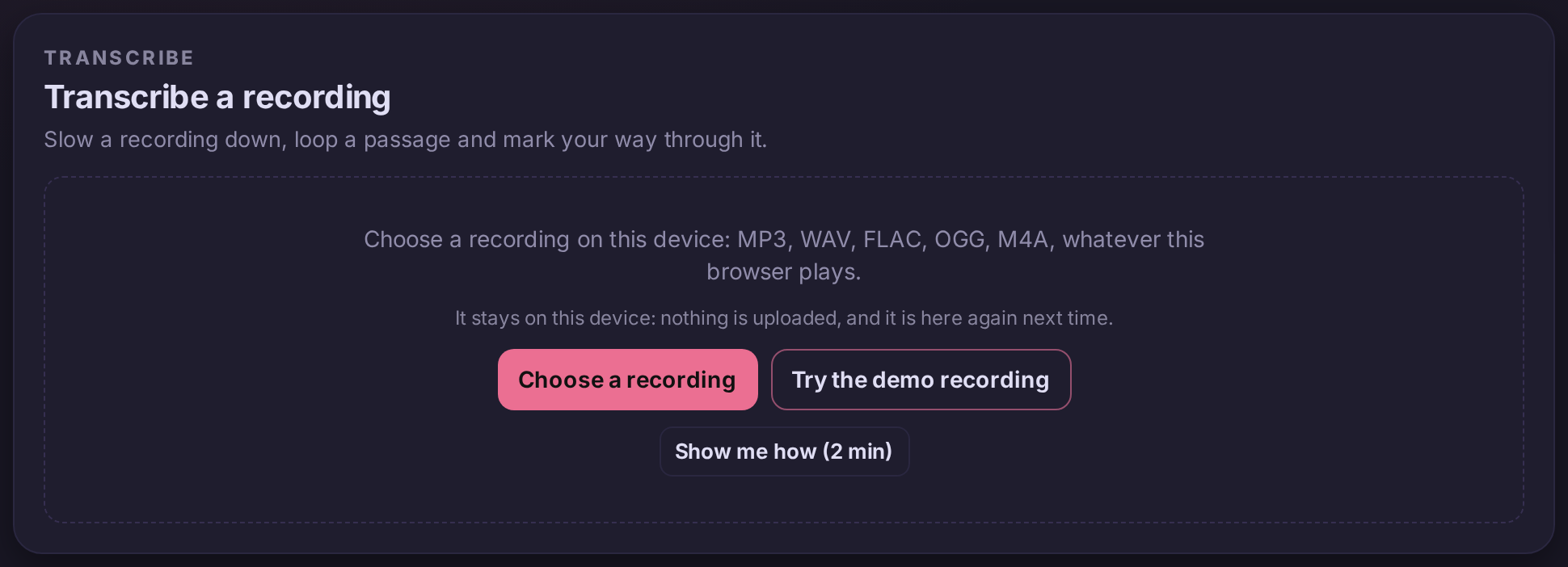
Open Practice Lab, go to Transcribe and press Choose a recording. Pick the song from your device: MP3, WAV, FLAC, OGG, M4A or any other format your browser plays. The file never leaves your device: nothing is uploaded, and the recording is in your list the next time you open the app, with its speed and markers.
Use your own copy of the song: a file you bought, ripped from your CD or recorded yourself.
Step 2: Set the speed
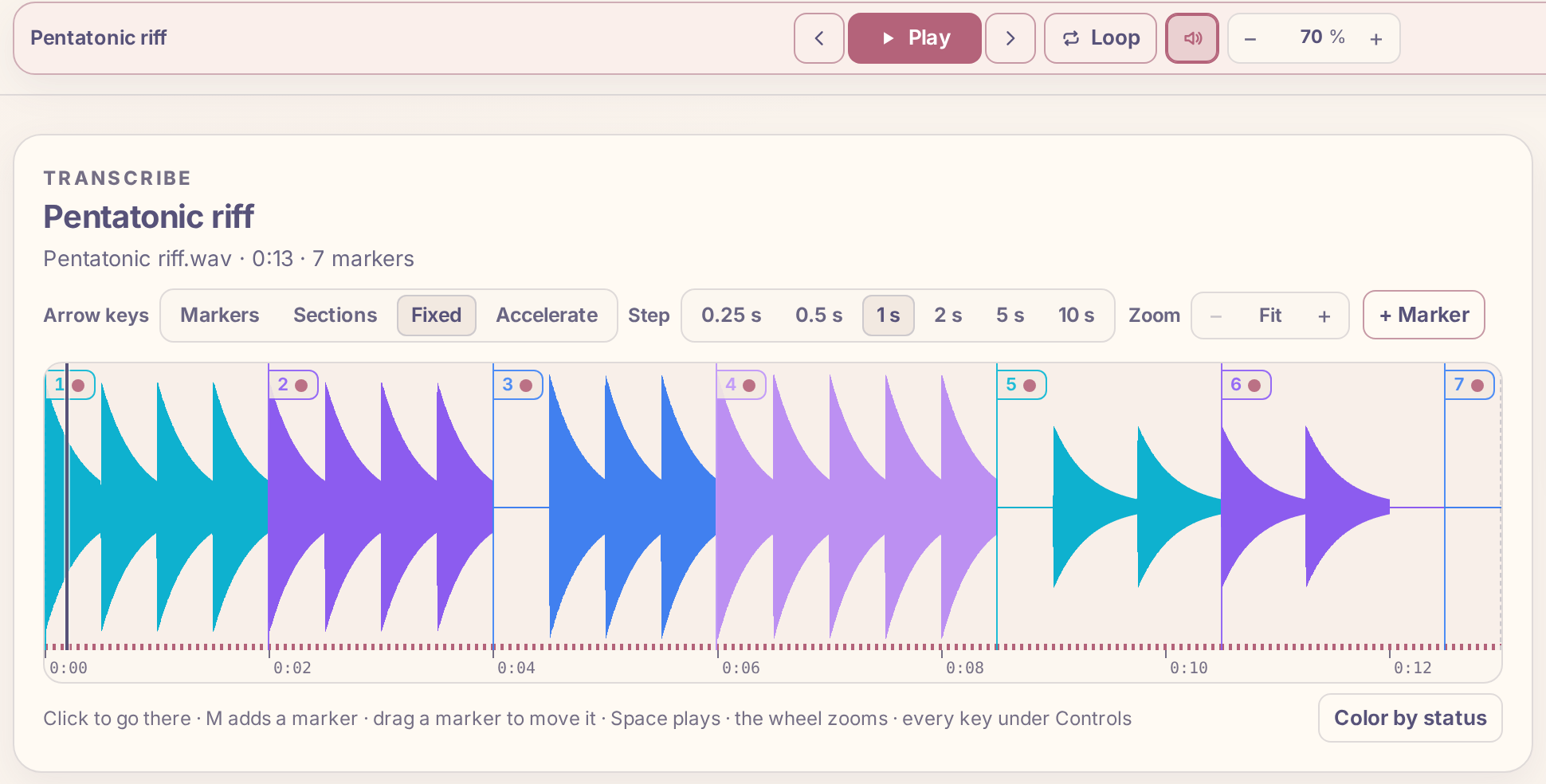
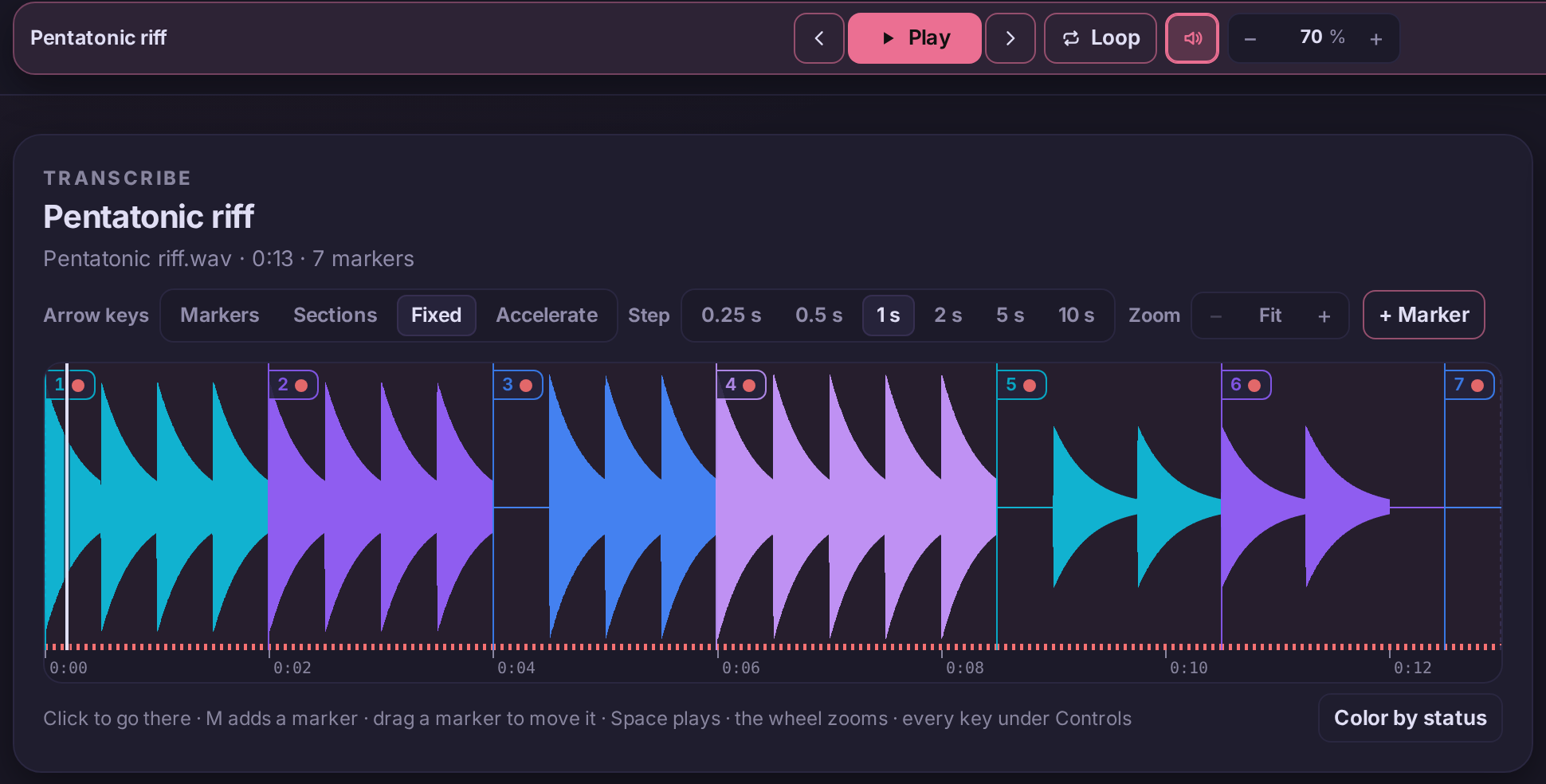
The speed sits in the transport, in place of a tempo. Press − to slow down by 5 %, + to speed up, or drag the number up or down. The arrow keys ↑ and ↓ change it a step at a time while you play. It goes from 10 % to 150 %, and the pitch stays the same at every speed.
Which speed to choose depends on what you are doing:
- Hearing which notes are played: 25 to 50 %. Fast runs turn into separate notes you can sing back.
- Playing along for the first time: 60 to 75 %. Slow enough to keep up, close enough to the real feel.
- Checking the details: 85 to 95 %. Most timing mistakes show up only near full speed.
Any time-stretching smears the attacks of notes at very low speeds, and drums start to sound like echoes. That is normal: use the slowest speeds to hear the notes, not to play along.
Step 3: Loop the part you are learning
Slowing down the whole song wastes time on parts you already play. Press M at the start of the passage and again where it ends to place two markers, put the playhead between them and press L. Playback never runs past the second marker: it jumps back to the first and plays the passage again, at the speed you set. The guide How to loop part of a song until you can play it covers loops in detail.
Step 4: Speed it back up
The point of slowing down is to play the passage right, then keep it right as it gets faster. A simple rule that works:
- Start at the speed where you play the passage cleanly three times in a row.
- Raise it by 5 % and play it three times cleanly again.
- If you make the same mistake twice, go back one step and play it there twice more.
- Stop for the day when you stall, and start the next day one or two steps below where you ended.
Once the passage holds at 100 %, play it a few times above full speed, at 105 or 110 % (the speed goes up to 150 %). Back at 100 % it then feels like it has room in it, and you have a margin for the nerves of playing it with other people.
With Plus, the Tempo trainer does the raising for you: press Trainer beside the speed, set a start speed, a step and a target, and it plays the loop, raising the speed by the step after each completed loop until it reaches the target.
If the song still sounds out of tune
Keeping the pitch means keeping the recording's own pitch. Some recordings are not at standard tuning: older records were often cut a little fast or slow, and some bands tune a half step down. If every note you play sounds slightly sour against the recording, tune your guitar to the recording: play the low E string along with a note the bass holds and adjust until they stop beating against each other.
On a phone
Transcribe works the same on a phone: the speed is at the top of the transport's More menu, and you add markers with the + Marker button while the song plays. Put the phone on the music stand and keep both hands on the guitar between loops.